
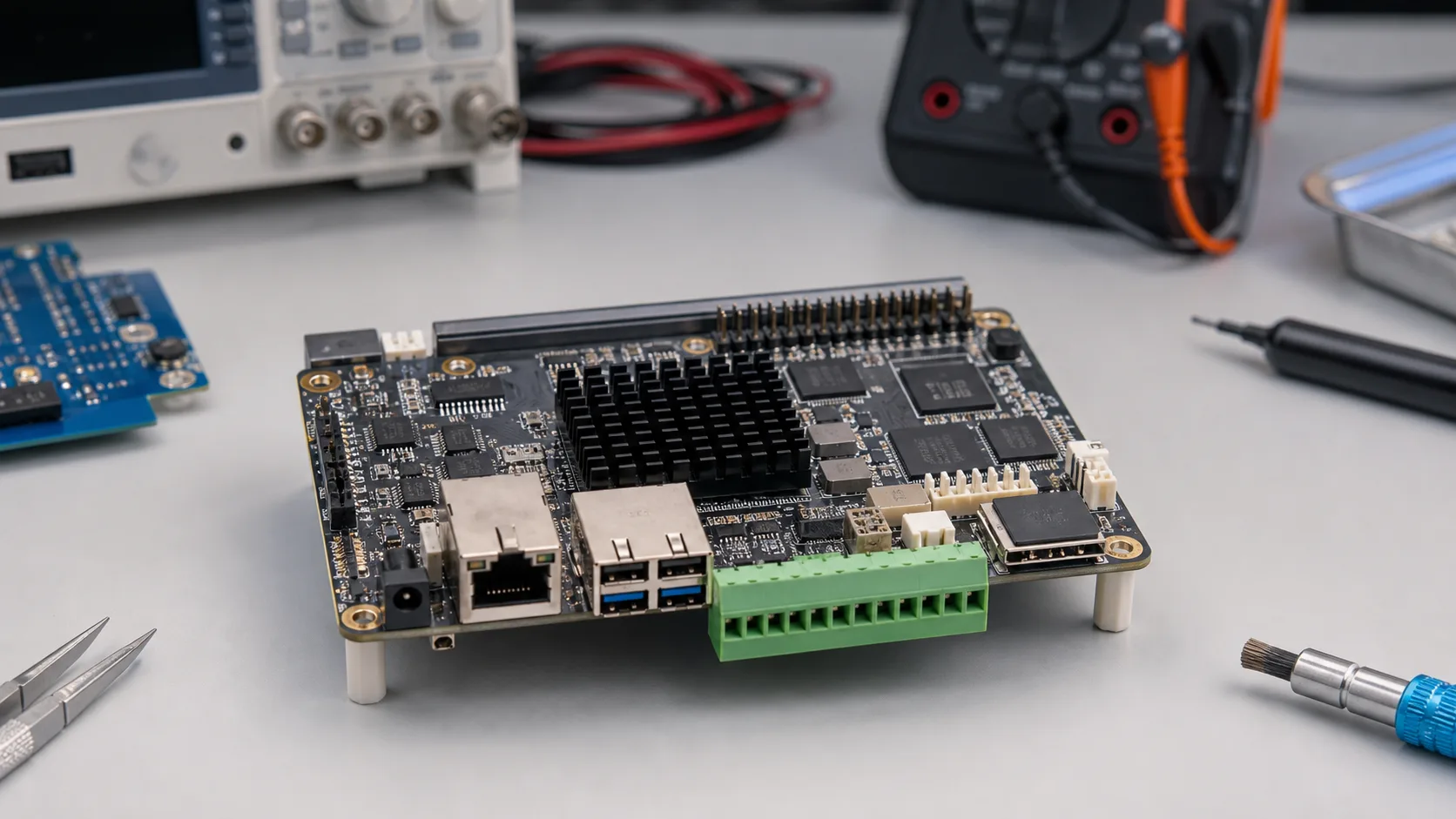
Rockchip RK3568 is a popular mid-range ARM SoC for industrial boards, gateways, HMIs, and embedded Linux devices. It is not the highest-performance Rockchip platform, and that is part of the appeal. Many industrial products do not need a flagship SoC. They need enough CPU, stable I/O, low power, reasonable thermals, and a vendor that can support the board for several years.
Choosing an RK3568 board should not be based on a product photo or a short feature list. Industrial buyers need to understand power input, storage, Ethernet implementation, serial ports, CAN support, display output, BSP quality, and mechanical design. A weak board around a decent SoC can still create a bad product.
Where RK3568 Fits
RK3568 is well suited to:
- industrial gateways
- protocol converters
- smart building controllers
- HMI panels
- lightweight edge nodes
- network appliances
- data loggers
- retail or kiosk controllers
- simple vision or camera preview devices
It is less suitable for heavy AI, multi-camera analytics, high-end media processing, or applications that need desktop-class CPU performance. For those, the decision often shifts into an RK3568 vs RK3588 industrial SBC trade-off or toward embedded x86.
Board-Level Checklist
| Area | What to verify |
|---|---|
| Power input | Voltage range, surge protection, reverse polarity protection |
| Ethernet | Number of ports, controller type, PoE support if needed |
| Serial | RS-232/RS-485 modes, isolation, termination, bias resistors |
| CAN | CAN or CAN FD support, transceiver included or only SoC pins |
| Storage | eMMC size, microSD, SATA, NVMe, write endurance |
| Display | HDMI, LVDS, MIPI DSI, eDP, supported resolution |
| Camera | MIPI CSI, USB cameras, driver support |
| Thermal | Heat spreader, enclosure contact, ambient rating |
| Software | Kernel version, Android/Linux BSP, update policy |
CPU, Memory, and Performance
RK3568-class boards are good for moderate Linux workloads. A typical system might run an MQTT client, local web dashboard, Modbus polling, SQLite logging, watchdog service, and remote update agent. That is a reasonable workload if the software is disciplined.
Problems appear when teams treat the board like a small desktop PC. Running many containers, heavy Java services, Chromium dashboards, and local analytics can consume memory and CPU quickly. If a web UI is required, test it early on the actual board and display resolution.
Memory size matters. A 2 GB board may be enough for a gateway. A 4 GB board is safer for HMI or containerized services. If the product runs Android, browser UI, or multiple background services, do not choose the smallest memory option just to reduce BOM.
Storage: eMMC, microSD, and NVMe
Storage is one of the most common failure points in embedded products. Many development boards boot from microSD, but microSD is rarely the right production storage for industrial systems. Use eMMC or an industrial SSD when the product writes logs, databases, or update images; the choice between eMMC and NVMe in embedded systems should be made before committing to the board layout.
For RK3568 boards, check:
- eMMC capacity and grade
- whether the board supports boot from eMMC reliably
- whether storage is socketed or soldered
- power-loss behavior during writes
- availability of read-only root filesystem options
- support for A/B updates
If a board offers NVMe or SATA through expansion, verify lane sharing and thermal behavior. A small NVMe SSD can become a heat source inside a sealed box.
Ethernet and Industrial Networking
RK3568 boards are often used as gateways because they can expose multiple Ethernet ports through board-level design. Read the block diagram carefully. Dual LAN may be implemented with native MAC plus PCIe Ethernet, or through USB adapters. That difference affects latency, driver behavior, and reliability.
For industrial networking, also check:
- static IP configuration
- VLAN support
- watchdog recovery after link failure
- surge and ESD protection
- connector quality
- long cable behavior
- time synchronization if needed
If the product will be installed in an electrical cabinet, Ethernet protection is not optional.
Serial, CAN, and GPIO
Many industrial buyers choose RK3568 boards for serial and CAN connectivity. But the details matter. Some boards expose TTL UART pins and rely on the customer to add transceivers. Others include RS-232/RS-485 transceivers, terminal blocks, isolation, and switchable modes.
For RS-485, verify whether the board supports automatic direction control. For CAN, verify whether the product includes a proper transceiver and whether the software exposes the interface through SocketCAN on Linux. If isolation is required, check whether it is included or must be added externally.
Display and HMI
RK3568 can work well for industrial HMI panels. It can drive common display interfaces depending on board design, and it is often paired with Android or Linux UI stacks.
The important questions are practical:
- Does the vendor support your exact LCD panel?
- Is touch supported in the OS image?
- Is GPU acceleration working?
- Does the UI remain responsive after long uptime?
- Can the display recover after sleep, cable noise, or power cycling?
An HMI should be tested like an appliance, not a development board. It must boot reliably, recover from crashes, and keep the operator interface usable.
Thermal and Mechanical Design
RK3568 is easier to cool than higher-performance SoCs, but it still needs a thermal plan. A production board inside a sealed plastic enclosure may run much hotter than a development kit on a desk. If the product uses PoE, LTE, NVMe, or a bright display backlight, those heat sources add up.
Ask the vendor for thermal data or run your own test. Measure SoC temperature, enclosure surface temperature, storage temperature, and regulator temperature. Test at expected ambient temperature, not only room temperature.
Software and Vendor Support
The RK3568 board market is broad. Some vendors support industrial customers well; others are closer to hobby-board suppliers. For a product that must ship, support quality is more important than a small price difference.
Strong vendors provide:
- Linux kernel source or Yocto layers
- Android BSP if Android is advertised
- bootloader documentation
- flashing and recovery tools
- schematics or block diagrams
- mechanical drawings
- thermal recommendations
- long-term availability statement
- clear revision history
Weak documentation is a warning sign. If you cannot reproduce the vendor image, you do not fully control your product.
Recommendation
Choose an RK3568 industrial board when your product needs a balanced ARM platform for gateways, HMIs, light edge services, and industrial I/O. It is a good choice when RK3588 is too much and a microcontroller is not enough.
Do not choose based on SoC alone. Compare board-level I/O, software support, power design, thermal path, mechanical drawings, and vendor lifecycle policy. In industrial computing, the board implementation is the product.
Source Notes
Rockchip RK3568 appears in many industrial SBC and SoM products as a mid-range ARM platform. Public board vendor documentation commonly positions RK3568 for gateways, HMIs, and embedded Linux systems. Final capabilities vary significantly by board, so always validate against the specific vendor datasheet and BSP.