
A ten-year industrial product needs more than a processor with a ten-year availability badge. It needs a board supplier who controls revisions, a software stack that can still be built, storage and memory that can be replaced deliberately, and a commercial process for product-change and end-of-life notices.
The awkward part is that the clocks start at different times. A processor longevity program may count from the processor launch date, not from the date your product enters production. The SBC itself may be introduced later. Linux security support may end earlier. Your customer may expect spares years after the last new installation.
Long-term availability is therefore a system plan, not a line item in a datasheet.
What a “10-Year” Claim Can Mean
| Claim | What it usually covers | What it does not automatically cover |
|---|---|---|
| Processor longevity | Planned supply of a listed CPU or SoC | Complete SBC, memory, storage, or connectors |
| Board availability | Supplier plans to sell the board | Exact BOM with no substitutions |
| Form-fit-function replacement | Replacement fits the same role | Identical performance, thermals, firmware, or certifications |
| Software support | Vendor maintains an OS or BSP | Every application dependency and security requirement |
| Repair service | Failed units can be serviced | Availability of new production units |
Ask the vendor to put the applicable dates and notice process in writing. “This family is popular” and “we normally support industrial customers” are not lifecycle statements.
Start the Product Clock Correctly
The lifecycle should be measured from the last obligation, not the first production shipment.
development + sales period + warranty + service-spares period = support horizon
For example, a project may spend two years in development, sell for six years, and promise five years of service after the final sale. That creates a thirteen-year planning horizon even though marketing calls it a “six-year product.”
Build a dated lifecycle table before choosing the board:
| Milestone | Example question |
|---|---|
| Design freeze | Is the SBC revision stable enough to qualify? |
| First production | How much processor longevity remains? |
| Peak production | Can supply absorb an allocation or long lead time? |
| Last customer shipment | When does the warranty clock stop? |
| Final service date | How many complete spares and repair parts remain? |
| Data-retention end | Can old software images and keys still be recovered? |
This simple exercise often shows that a board selected late in its commercial life is unsuitable even when it is still marked “active.”
Processor Longevity Is Only the First Layer
Formal programs are useful. NXP, for example, lists participating products with defined minimum longevity periods, and AMD publishes lifecycle information for embedded processor families. These programs reduce one major source of uncertainty.
An SBC adds many other dependencies:
- DRAM and eMMC devices
- Ethernet PHYs and USB hubs
- PMICs and DC/DC converters
- oscillators and real-time clocks
- display bridges and audio codecs
- Wi-Fi or cellular modules
- connectors, heat spreaders, and PCB materials
- bootloader, kernel, firmware, and build tools
Some parts can be substituted with little effect. Others change timing, drivers, EMC behavior, endurance, or temperature range. A board supplier’s change-control process determines whether those substitutions arrive as managed revisions or as surprises.
Ask for the Change Process, Not “No Changes”
A promise never to change the BOM is rarely credible over ten years. Components disappear, fabrication processes move, and security defects require updates. What matters is disciplined change.
A usable product-change notification should state:
- affected product and revision
- changed component or process
- reason for the change
- expected functional, electrical, mechanical, and software impact
- qualification evidence
- sample availability
- last order date for the old revision
- first shipment date for the new revision
Ask how much notice is normally provided and where notifications are sent. A PCN hidden in a distributor portal does not help if the purchasing team is not subscribed.
Board Revision Compatibility
“Same part number” does not always mean “same behavior.” Create an incoming inspection record for every approved board revision. At minimum, capture:
- PCB and assembly revision
- processor order code
- RAM capacity and detected speed
- eMMC or SSD model and firmware
- Ethernet MAC/PHY identity
- bootloader and BIOS version
- kernel and device-tree version
- mechanical drawing revision
On Linux, a small inventory script can collect much of the software-visible data:
uname -a
cat /etc/os-release
lsblk -o NAME,MODEL,SERIAL,SIZE,TYPE
ethtool -i eth0
dmesg | grep -Ei 'mmc|nvme|ethernet|watchdog'
Store the output with the unit serial number. This is not busywork. When field failures appear only on one production lot, revision data turns a vague investigation into a bounded one.
Hardware Strategies That Reduce EOL Risk
Prefer Documented Interfaces
Standard mechanical formats and module interfaces can make replacements easier. They do not guarantee compatibility, but they create a better starting point. An SBC with a published block diagram, connector pinout, and mechanical model is easier to replace than a black box.
The SBC versus SOM versus COM guide explains when separating the compute module from a custom carrier reduces lifecycle disruption.
Avoid Unnecessary Board Dependencies
If the product uses only one of four display outputs, two of six USB ports, and none of the onboard audio, a feature-rich SBC may expose the project to more component substitutions without adding value. A simpler board is often easier to sustain.
Qualify Storage Separately
Flash products change faster than many processors. Define approved storage models, endurance, firmware, temperature grade, and power-loss behavior. Keep the OS image independent of one exact capacity where possible. The eMMC versus NVMe guide covers the reliability tradeoffs.
Design Mechanical Margin
Leave clearance around tall components, connectors, and the heat path. A nominally compatible replacement can become expensive if a moved inductor collides with the enclosure or the new processor needs a thicker thermal pad.
Software Is Part of the Supply Chain
It is possible to have working hardware and no maintainable product. A long-life software baseline needs:
- source repositories with immutable release tags
- exact toolchain and build instructions
- copies of required firmware and license records
- a reproducible image build
- signing keys with ownership and backup procedures
- a patch and vulnerability policy
- a tested recovery image
Do not rely on a download link staying alive for ten years. Mirror the exact vendor release you are licensed to retain, together with checksums and release notes. Verify the archive by rebuilding on a clean system.
Kernel support also needs careful wording. A vendor may use a Linux long-term branch but add private patches. The upstream LTS status does not maintain those patches. The board supplier or product team still owns the gap.
Plan a Replacement Before It Is Needed
At design freeze, identify three paths:
| Path | When it is useful | Preparation needed |
|---|---|---|
| Same board, new revision | Minor controlled component change | Regression test and revision tracking |
| Compatible board or module | Original product is ending | Mechanical, power, thermal, and BSP comparison |
| Redesign | No credible compatible replacement | Budget, schedule, compliance retest, software port |
Keep a current shortlist. Revisit it annually rather than waiting for an end-of-life notice. A replacement board that looks compatible on paper still needs samples, thermal testing, peripheral tests, and a software migration trial.
Last-Time Buy Without Guesswork
When a component or board reaches end of life, the last-time-buy quantity should be based on obligations and yield—not optimism.
required quantity = forecast production
                  + service-spares demand
                  + expected test and repair loss
                  + risk buffer
                  - usable stock on hand
Then account for storage life, moisture handling, battery-backed RTCs, connector oxidation, and the fact that unused electronics still need controlled storage. Buying ten years of stock can replace supply risk with inventory and aging risk.
For complete SBCs, power a sample from stored inventory periodically and confirm that the retained production image still boots. For bare components, follow the manufacturer’s storage and re-bake requirements.
A Supplier Lifecycle Scorecard
| Question | Strong answer | Warning sign |
|---|---|---|
| Board availability end date? | Written date or formal program | “No plans to discontinue” |
| PCN process? | Named portal, email list, notice period | Distributor will tell you |
| BOM control? | Controlled AVL and revision policy | Parts may vary by availability |
| Replacement strategy? | Named compatible family and samples | Upgrade to whatever is current |
| BSP maintenance? | Release cadence, source, security policy | One downloadable image |
| Failure analysis? | Defined RMA and engineering process | Replace-only warranty |
| Last-time buy? | Notice, order window, storage guidance | Case-by-case discussion |
Weight the scorecard according to the product. A field gateway deployed in 2,000 remote sites should place more weight on software updates and failure analysis than a laboratory fixture that is easy to access.
Review the Plan Every Year
Lifecycle planning is not finished at purchasing approval. Run an annual review covering:
- supplier product status
- outstanding PCNs and errata
- software and kernel support dates
- security findings
- forecast versus actual consumption
- field failure rate
- available replacement samples
- service-spares level
The review can be short. Its value is early warning. Six months is often enough time to qualify a revision; six weeks may not be.
Frequently Asked Questions
Does a ten-year processor guarantee mean the SBC will be sold for ten years?
No. The board contains many other components and is governed by the board vendor’s commercial policy. Ask for the board’s own availability statement.
Should we buy all ten years of boards at once?
Usually not at the start. Large inventory creates cash, warranty, storage, and aging risks. A staged forecast plus a defined last-time-buy process is generally more manageable.
Can a COM eliminate lifecycle risk?
No. It can isolate the compute core and improve replacement options, especially with a standard format. The new module still requires software, thermal, power, and compliance qualification.
How many spare units are enough?
Use the installed population, observed failure rate, repair turnaround, remaining service years, and redesign lead time. A fixed percentage without those inputs is only a guess.
Source Notes
The distinction between component longevity and board lifecycle is informed by the NXP Product Longevity program, which notes that availability is measured from product launch and that normal PCN/EOL policies still apply, and by AMD’s embedded processor portfolio, which publishes family-specific lifecycle information. Always use the current supplier notice and contract terms for purchasing decisions.
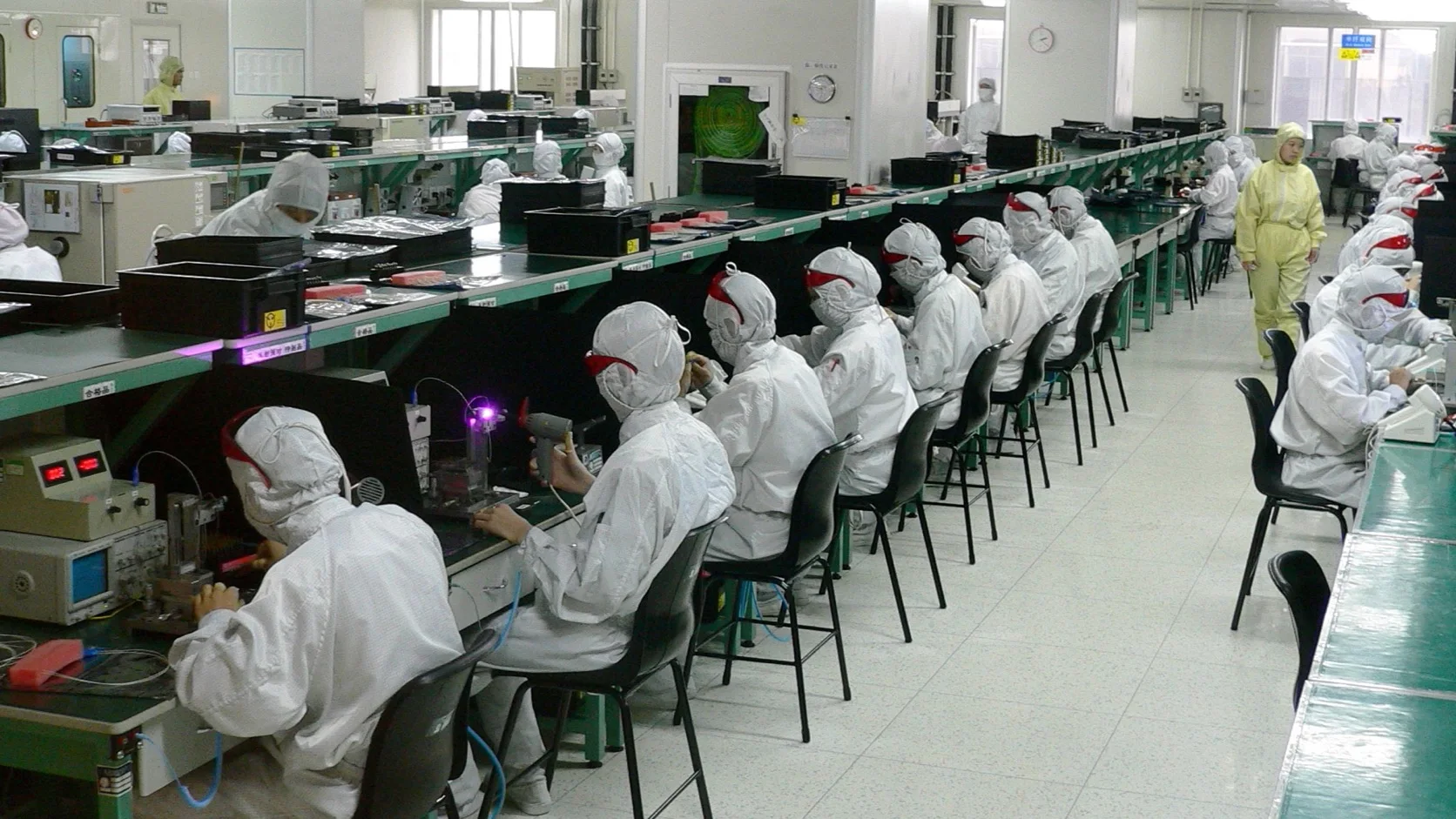
Hero photo: Electronics factory in Shenzhen by Steve Jurvetson, licensed under CC BY 2.0. The original photograph was cropped and converted to WebP.
