
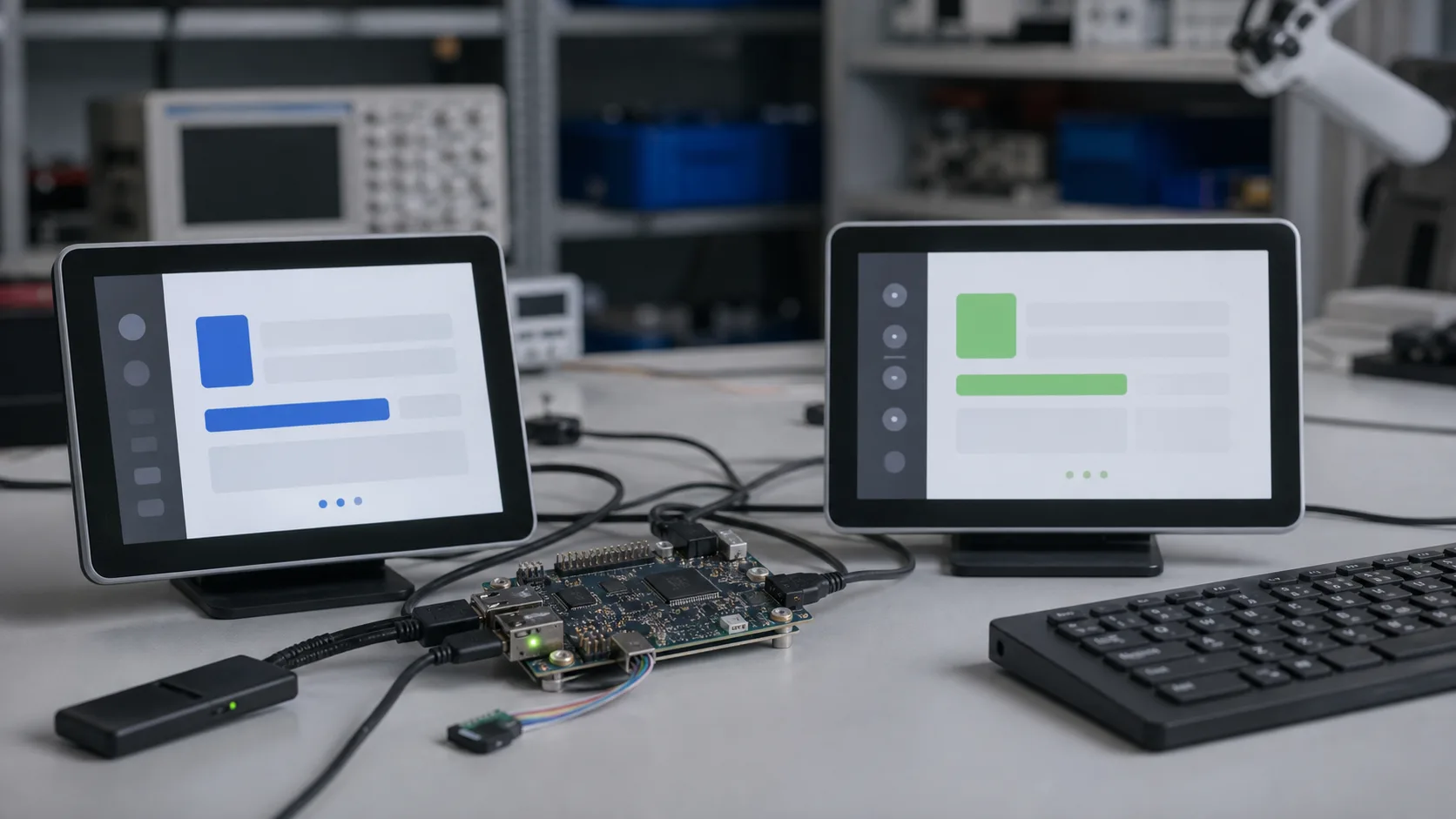
Linux and Android are both common on industrial SBCs, but they serve different product styles. Linux is usually better for controlled embedded systems, gateways, protocol devices, and long-term maintainability. Android is often better for touch-heavy HMIs, kiosks, smart displays, and teams that want app-style development. The right choice depends less on preference and more on product lifecycle, UI needs, driver support, and update strategy.
Choosing the OS early is important because it affects board selection, UI framework, security process, storage layout, and field support.
Quick Comparison
| Area | Linux | Android |
|---|---|---|
| Best use | Gateways, controllers, custom embedded systems | Touch HMIs, kiosks, smart displays |
| UI options | Qt, GTK, web, custom | Native Android apps, WebView, kiosk apps |
| System control | High | Moderate, depends on BSP |
| Update strategy | Highly customizable | App updates easier, OS updates depend on BSP |
| Driver work | Flexible but technical | Vendor image often required |
| Long-term maintenance | Strong with right process | Depends heavily on vendor support |
Linux Strengths
Linux is the default choice for many industrial SBCs because it is flexible. It supports networking, containers, filesystems, field updates, scripting, security tooling, and custom services. It is well suited to gateways, data loggers, edge nodes, and machine control-adjacent systems.
Linux gives teams control over:
- boot process
- service management
- watchdog behavior
- filesystem layout
- firewall rules
- update strategy
- logs and diagnostics
- remote access
Linux is usually the cleaner choice when the product has no heavy graphical UI. In gateway-style products, this OS decision belongs in the same review as the industrial SBC hardware checklist, because I/O, storage, watchdog, and update strategy affect the software architecture.
Android Strengths
Android is attractive for touch-based products. Developers can build polished interfaces quickly, use familiar UI frameworks, and deploy applications in a model that many teams understand. Android is common in kiosks, smart panels, digital signage, and display terminals.
Android can be a good fit when:
- the product is primarily a touch UI
- the team has Android developers
- app-style updates matter
- media playback is important
- the vendor BSP is stable
- strict low-level system control is not required
The risk is long-term OS maintenance. Many Android BSPs are delivered as vendor images that are harder to rebuild, patch, or customize.
BSP Quality Matters More Than OS Name
A good Linux BSP beats a poor Android BSP, and a good Android BSP beats a poorly maintained Linux image. Evaluate the vendor’s support:
| Question | Why it matters |
|---|---|
| Can the image be rebuilt? | Reproducibility |
| Is kernel source available? | Security and debugging |
| Are display and touch drivers documented? | HMI reliability |
| Is secure boot supported? | Device integrity |
| Are updates signed? | Field safety |
| Is there a recovery mode? | Serviceability |
If the vendor cannot explain the update path, the OS is not production-ready.
HMI Products
For HMIs, both Linux and Android can work. Linux with Qt is efficient and controllable. Android offers faster touch UI development and a familiar app environment. Chromium-based UIs can run on either but may consume more memory.
Choose Linux when the HMI is tightly integrated with machine services and needs long-term control. Choose Android when the HMI is more like a kiosk, media terminal, or app-driven interface. In panel products, the OS choice is inseparable from industrial SBC HMI requirements such as boot time, touch support, watchdog recovery, and update policy.
Gateways and Edge Devices
For gateways, Linux is usually better. It handles networking, protocol stacks, containers, VPNs, firewalls, and remote management cleanly. Android can be used, but it often adds unnecessary complexity for headless or service-heavy products. Screen-first devices are different: in industrial SBC digital signage, Android can still be practical when the CMS and vendor BSP are mature.
Security Updates
Industrial devices may run for years. Security updates must be planned. Linux gives teams more options: package updates, image-based updates, Yocto builds, Debian snapshots, or container updates. Android updates depend more on vendor BSP and device policy.
Regardless of OS, define:
- update signing
- rollback
- recovery partition
- vulnerability monitoring
- credential rotation
- remote logging
Development and Debugging
Linux debugging is direct. SSH, systemd logs, kernel logs, and command-line tools are standard. Android debugging uses adb, logcat, and app-level tools. Both can be effective, but industrial service teams often find Linux easier for headless diagnostics.
Useful Linux checks:
systemctl --failed
journalctl -p warning -b
df -h
ip addr
For Android, useful checks include:
adb logcat
adb shell df -h
adb shell getprop
Application Deployment
Linux products often deploy applications as system packages, containers, or image-based updates. This gives strong control but requires engineering discipline. Android products often deploy the main application as an APK, which can be easier for UI teams. However, the OS image, kernel, and drivers still need a separate update plan.
For industrial products, avoid a split where the app team can update frequently but the base OS is never maintained. Display drivers, browser engines, TLS libraries, and kernels all age. A product that cannot update its base image becomes a security and compatibility problem.
Peripheral Access
Linux usually exposes industrial interfaces more directly: serial devices, CAN interfaces, GPIO, I2C, SPI, and network configuration are accessible through standard mechanisms. Android can access the same hardware if the BSP and permissions are designed for it, but it may require vendor APIs or privileged services.
If the product needs deep hardware control, prototype that control path before committing to Android. A beautiful Android UI does not help if the application cannot reliably access RS-485, CAN, watchdog, or GPIO in production.
Team Capability
The best technical OS can still be the wrong business choice if the team cannot maintain it. Choose Linux when the team is comfortable with kernels, services, shell diagnostics, and image builds. Choose Android when the product is UI-heavy and the team has strong Android application skills, but only if the board vendor can support the underlying BSP. Industrial products need both application development and platform maintenance.
Recommendation
Choose Linux for gateways, edge services, data loggers, protocol conversion, machine vision systems with custom pipelines, and products that need deep system control. Choose Android for touch-first HMIs, kiosks, signage, and products where app development speed matters.
The best OS is the one your team can maintain for the full product life. A beautiful demo image is not enough. You need updates, recovery, debugging, security, and vendor support.