
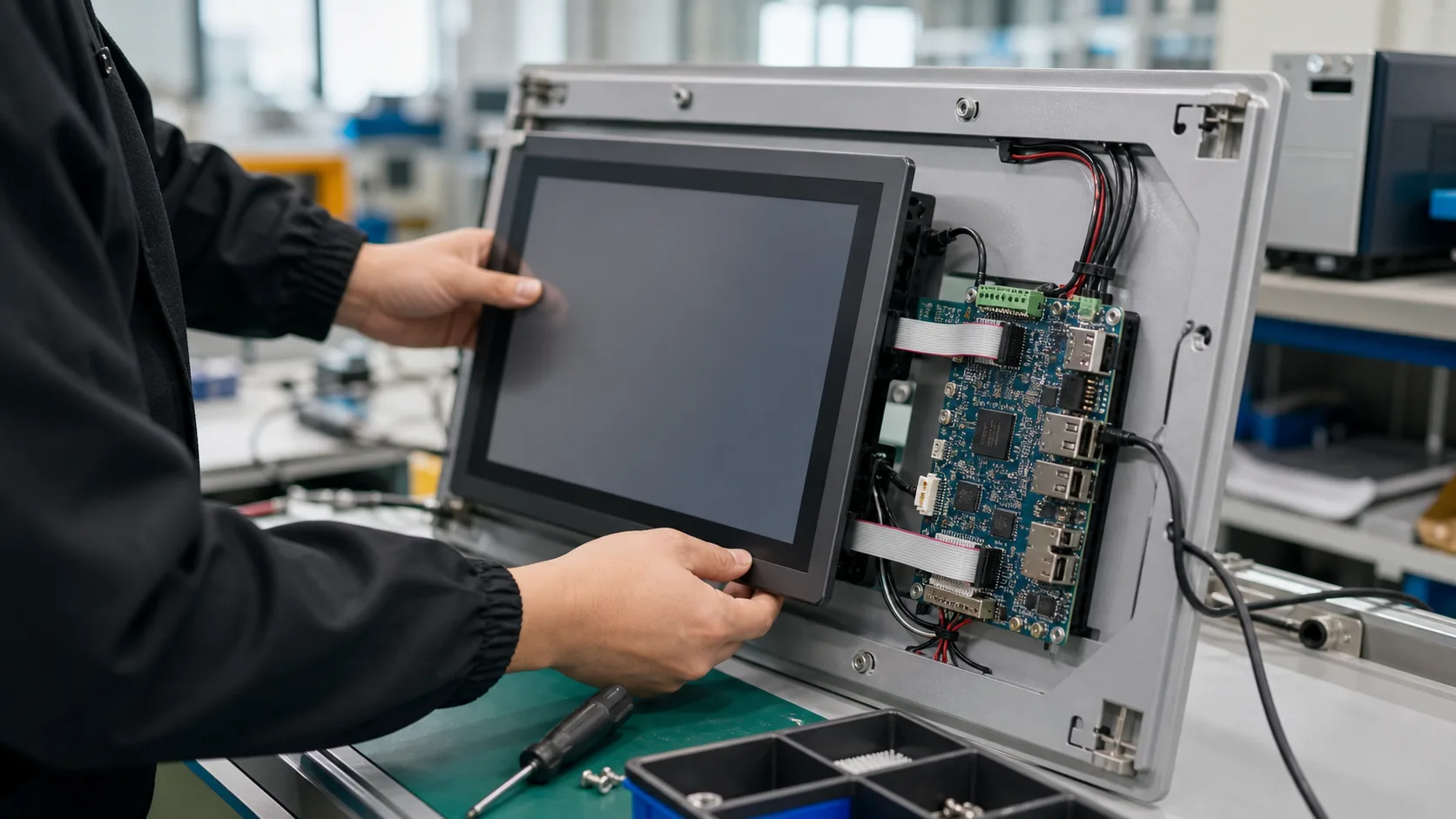
An HMI panel looks simple from the outside: a screen, touch input, and a user interface. In industrial products, it is not simple. The HMI may run continuously for years, sit near motors and power electronics, survive power interruptions, handle operators with gloves, display alarms clearly, and recover without a technician. Choosing the right industrial SBC is therefore not only a graphics decision. It is a reliability decision.
The best HMI platform depends on display size, UI framework, operating system, boot time, I/O, enclosure, temperature, and update strategy. A cheap board that runs a demo UI may become expensive if it flickers, corrupts storage, overheats, or cannot be updated securely in the field.
Start with the HMI Requirements
| Requirement | Why it matters |
|---|---|
| Display size and resolution | Defines GPU, memory, and interface needs |
| Touch type | Affects driver support and enclosure design |
| UI framework | Qt, Android, Chromium, native Linux, or vendor HMI runtime |
| Boot time | Operators may expect fast recovery after power loss |
| I/O | GPIO, serial, CAN, Ethernet, USB, audio |
| Environment | Heat, moisture, vibration, cleaning chemicals |
| Uptime | Determines watchdog, logging, and update design |
Many HMI failures come from underestimating the UI stack. A simple native UI can run well on a modest ARM SBC. A browser-heavy dashboard with animations, charts, video, and background services may need more memory and GPU support.
Display Interface Selection
Industrial SBCs may support HDMI, LVDS, eDP, MIPI DSI, or RGB panels. HDMI is convenient for development but not always ideal inside a finished product. LVDS and eDP are common for integrated panels. MIPI DSI is compact but requires strong panel and driver support.
| Interface | Best use | Watch out for |
|---|---|---|
| HDMI | Prototypes, external displays | Connector retention, EMI |
| LVDS | Industrial panels | Cable length, panel timing |
| eDP | Modern embedded displays | BIOS/device-tree support |
| MIPI DSI | Compact touch panels | Driver and panel matching |
Before selecting the SBC, confirm that the exact LCD panel and touch controller are supported. “Supports MIPI DSI” is not enough. The vendor should provide device-tree examples, timing data, and working images.
Linux vs Android for HMI
Linux is often preferred for industrial HMIs because it is easier to control, secure, and update with embedded tooling. Qt on Linux is a strong choice for custom interfaces. It can be efficient, deterministic enough for operator panels, and maintainable over time.
Android is attractive when the team has Android developers, needs rich touch UI, or wants app-style deployment. It is common in kiosks and smart displays. The risk is long-term BSP maintenance and controlling system behavior. Consumer Android assumptions do not always fit industrial products, so Linux vs Android for industrial SBCs should be decided before the HMI framework is locked.
| Choice | Strength | Risk |
|---|---|---|
| Linux + Qt | Efficient, controlled, industrial-friendly | Requires embedded Linux skill |
| Android | Fast UI development, familiar touch model | BSP updates and system control |
| Chromium kiosk | Web stack reuse | Memory growth, update complexity |
| Vendor HMI runtime | Fast industrial integration | Licensing and platform lock-in |
Touch and Operator Reality
Touch behavior must be tested with real operators. Gloves, water, dust, oil, and cleaning procedures can affect capacitive touch. Resistive touch may still be useful in harsh environments, even if it feels old-fashioned.
Also consider physical controls. For emergency stop, safety, or critical machine actions, do not rely only on a touch UI. Hardware buttons, interlocks, and safety-rated systems belong outside the SBC application.
Storage and Logging
HMI panels often write more than expected: alarms, recipes, trend data, audit logs, screenshots, and update packages. If the product uses eMMC, choose enough capacity and implement log rotation. If it uses microSD, treat it as a risk unless the product is low-volume or non-critical.
For production systems:
- avoid uncontrolled debug logs
- use read-only partitions where possible
- separate application data from system files
- test sudden power loss
- implement A/B update rollback
- monitor storage lifetime if available
Boot and Recovery
An HMI that needs manual recovery is not industrial-grade. Use a hardware watchdog and application-level health checks. The system should restart after power loss, recover from UI crashes, and show meaningful status if communication with the machine is lost.
A useful watchdog design has layers:
| Layer | Function |
|---|---|
| Hardware watchdog | Reboot if system hangs |
| Service manager | Restart UI process |
| Application heartbeat | Detect stuck event loop |
| Remote logs | Diagnose field failures |
| Safe screen | Show communication loss clearly |
Thermal and Enclosure Design
HMI panels generate heat from the processor, display backlight, power supply, and sometimes PoE or wireless modules. The screen itself can be a major heat source. A board that is cool on a bench may run hot behind a sealed front panel.
Test at full brightness, maximum ambient temperature, and expected mounting orientation. If the HMI will be installed outdoors or near machinery, sunlight and cabinet temperature matter.
Platform Choices
RK3568 is a reasonable choice for cost-sensitive Linux or Android HMIs. RK3588 is better for high-resolution, multi-display, or heavier UI systems. NXP i.MX8M Plus fits industrial HMIs that also need camera, CAN FD, or stronger lifecycle positioning. x86 platforms such as Intel Atom or AMD Ryzen Embedded are useful when the HMI software requires Windows or existing x86 applications. For Rockchip-based panels, the RK3568 vs RK3588 comparison is mainly a question of whether extra UI and media headroom is worth the thermal and cost impact.
Recommendation
Choose the SBC after choosing the display, OS, UI framework, and update strategy. For a reliable HMI, software maintainability and recovery behavior are as important as graphics performance. The best HMI panel is boring in the field: it boots, responds, logs correctly, updates safely, and keeps working after years of power cycles.
Source Notes
NXP i.MX8M Plus official material lists display, multimedia, industrial networking, and operating system support relevant to HMI products. Raspberry Pi, Rockchip, Intel, and AMD-based SBC vendors all offer HMI-capable boards, but final suitability depends on display driver support, touch integration, enclosure design, and long-term BSP maintenance.