
Digital signage looks like an easy workload until the display goes black in a store, station, lobby, or factory. A signage player must boot reliably, play media smoothly, recover after power loss, accept remote updates, and run for months without someone attaching a keyboard. That is why an industrial SBC can be a better choice than a consumer media box.
The right signage SBC depends on resolution, number of displays, content type, operating system, network environment, enclosure, and service model. A single 1080p menu board is different from a 4K video wall or a kiosk with touch, payment, and sensors.
Define the Signage Workload
| Requirement | Example |
|---|---|
| Display count | 1 HDMI, dual HDMI, multi-display wall |
| Resolution | 1080p, 4K, portrait mode, stretched display |
| Content | Images, video, HTML5, live dashboard, camera feed |
| Playback | Loop, scheduled playlist, interactive kiosk |
| Network | Always online, intermittent, local-only |
| Update method | Cloud CMS, USB service, local API |
| Environment | Retail, outdoor kiosk, factory floor |
Many signage problems come from assuming “video decode support” means the full product will be reliable. The player also needs storage endurance, watchdog recovery, display hotplug behavior, and stable network update logic.
ARM vs x86 for Signage
ARM SBCs are common in signage because they are compact, power efficient, and often support Android. Rockchip-based boards are widely used where video decode and Android support matter. NXP platforms may be chosen for more industrial requirements. Raspberry Pi-class devices can work for simple signage, especially where Linux support and community tooling are valuable.
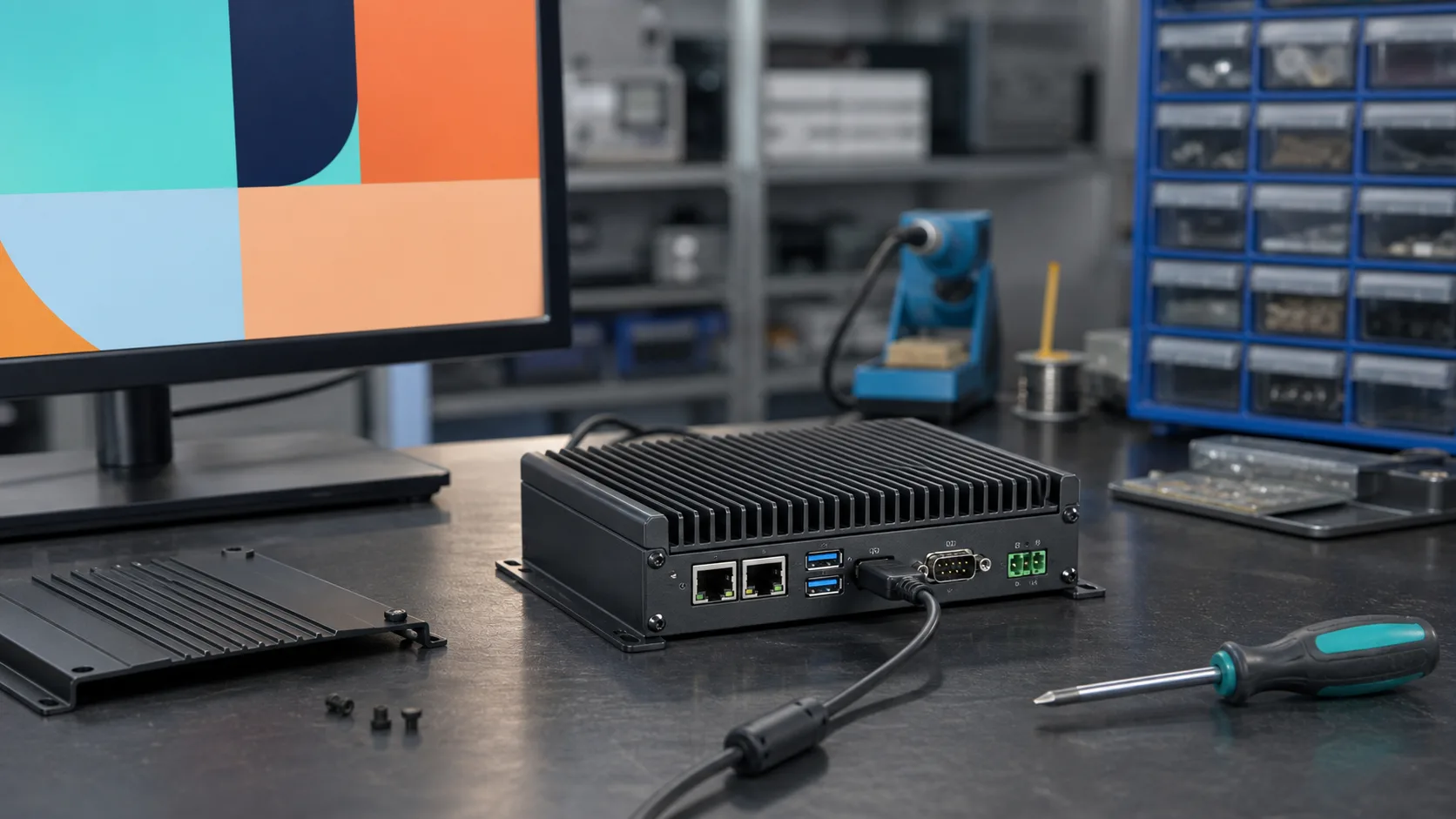
x86 signage players are useful when the content stack depends on Windows, Chrome, specific browser plugins, remote desktop tools, or existing PC management systems. AMD Ryzen Embedded and Intel Atom/Core platforms can also support richer graphics and multiple displays; an Intel Atom x7000E fanless industrial PC often sits in the middle between low-power ARM signage boards and higher-end x86 players.
| Platform type | Best fit |
|---|---|
| ARM Android SBC | Retail signage, kiosk UI, cost-sensitive media player |
| ARM Linux SBC | Controlled playback, custom signage software |
| Intel Atom | Windows signage, fanless PC players |
| AMD Ryzen Embedded | Multi-display or graphics-heavy signage |
| Higher-end x86 | Video walls, interactive analytics, heavy browser content |
Video Decode and Browser Content
If content is mostly video files, hardware decode support is critical. The SBC should support the codec, resolution, frame rate, and color format used by the CMS. Test the actual content files, not sample videos.
If content is HTML5 or browser-based, CPU and memory matter more. Web dashboards can leak memory, consume CPU with animations, or fail after network interruptions. A board that plays 4K video smoothly may still struggle with a heavy browser application.
For HTML signage, run a 72-hour test with real playlists and network changes. Monitor memory growth and CPU usage.
Storage and Content Updates
Signage players often download media repeatedly. Storage can wear out if update logic is careless. Use eMMC or industrial SSDs for production. Avoid consumer microSD cards unless the deployment is low-risk and easily serviceable.
Good signage update design includes:
- atomic playlist updates
- checksum verification
- resume after interrupted download
- local fallback content
- log rotation
- storage space monitoring
- rollback for application updates
The screen should never show a blank desktop because a download failed.
Remote Management
Digital signage deployments may include dozens or thousands of players. Remote management is part of the product. The SBC should support device identity, health reporting, remote reboot, software updates, log upload, screenshot capture if allowed, and network diagnostics.
Security matters because signage players are visible and networked. Use signed updates, disable unused services, avoid default passwords, and isolate the signage network when possible.
Offline Behavior
Many signage players are installed in locations with unreliable networks. A player should not depend on constant cloud access to show basic content. It should cache playlists locally, continue playing the last approved schedule, and report synchronization status when the network returns.
Good offline behavior includes:
- local content cache
- playlist version number
- visible but discreet fallback content
- download resume
- clock synchronization fallback
- retry backoff to avoid network storms
If the signage screen is used for safety notices, transport information, or production messages, define what content is acceptable when the player is offline. A blank screen is usually the worst failure mode.
Content Security
Signage players are public-facing computers. If an attacker changes the playlist, the failure is immediately visible. Use signed content packages or authenticated CMS connections where possible. Disable debug ports, avoid default credentials, and keep remote management services restricted. For USB update workflows, define whether USB content is trusted automatically or requires a service action.
Thermal and Enclosure Design
Signage players are often installed behind displays, inside kiosks, or in ceiling spaces where airflow is poor. Displays produce heat, and the SBC may be mounted near the panel electronics. A consumer board that survives on a desk may overheat behind a 24/7 commercial display.
Fanless is preferred for dust and acoustic reasons, but it requires a thermal path. Test at full brightness, full playback load, and expected ambient temperature. If the device uses Wi-Fi or LTE, include network activity in the thermal test.
Display Reliability
Display handling is a common field issue. Test:
- HDMI hotplug recovery
- portrait orientation
- EDID changes
- display sleep and wake
- power sequencing
- audio over HDMI if needed
- dual-display synchronization
- behavior after TV firmware updates
If the signage player drives a critical public display, consider a watchdog that restarts the player application when the screen output fails.
Android vs Linux
Android is common for signage because many CMS applications target it. It provides familiar app deployment and touch UI support. Linux is better when the signage application is custom, controlled, and needs a minimal footprint. Windows is used when the CMS or enterprise management stack requires it.
Choose the OS based on the CMS and maintenance model, not developer preference alone. Android-based signage should still be weighed against Linux vs Android industrial SBC maintenance issues, especially BSP updates and remote recovery.
Recommendation
For simple 1080p signage, a modest ARM SBC can be enough. For 4K Android signage, choose a board with proven video decode and vendor Android support. For browser-heavy signage, prioritize CPU, memory, and long-duration stability. For multi-display signage, consider AMD Ryzen Embedded or Intel-based industrial players.
The right industrial SBC for digital signage is the one that keeps showing content after power cuts, network failures, failed downloads, and months of uptime. Smooth playback is only the first requirement.
Source Notes
Rockchip-based ARM boards are widely used in media and signage because of video decode and Android ecosystem support. AMD Ryzen Embedded and Intel embedded platforms are often selected for richer graphics, x86 software compatibility, and multi-display signage systems. Final suitability depends on codec support, OS image quality, thermal design, and CMS integration.