
Evaluate the board support package before approving the SBC, not after the first hardware order. A good BSP lets another engineer reproduce the image, program a blank board, exercise every required peripheral, recover a failed update, and understand who will maintain the kernel and firmware. A poor BSP is usually a disk image plus a download page.
The fastest useful assessment is a two-day clean-room test. Give the vendor’s public material and one board to a developer who was not part of the sales demo. If that developer cannot rebuild and recover the system without private instructions, record the gap as product risk.
What a BSP Should Contain
| Component | Minimum useful deliverable | Why it matters |
|---|---|---|
| Bootloader | Source/configuration, binary, flashing method | Boot, recovery, secure boot, storage changes |
| Linux kernel | Source tree or exact upstream base plus patches | Drivers, security fixes, long-term maintenance |
| Device tree or ACPI | Source and build integration | Describes board peripherals and variants |
| Root filesystem | Reproducible build or documented distribution | Package updates, licensing, customization |
| Firmware | Versioned blobs with redistribution terms | Wi-Fi, GPU, NPU, camera, and controllers |
| Toolchain | Version and retrieval method | Rebuilding the release later |
| Recovery tools | Procedure for blank or corrupted storage | Factory programming and field repair |
| Release notes | Fixed issues, known issues, compatibility | Regression control |
| Hardware docs | Pinout, block diagram, schematics where available | Driver debugging and carrier integration |
The exact structure differs between Yocto, Debian/Ubuntu, Android, and Windows. The outcome should be the same: controlled inputs produce a known, supportable system image.
First Check: Can You Identify the Software?
Boot the vendor image and collect a baseline:
uname -a
cat /etc/os-release
cat /proc/cmdline
fw_printenv 2>/dev/null | head
lsblk -o NAME,SIZE,TYPE,FSTYPE,MOUNTPOINTS
ip -details link
dmesg --level=err,warn
Then answer:
- Which kernel tree and commit produced this build?
- Is the version string tied to a public tag?
- Which bootloader version is installed?
- Which device-tree blob was loaded?
- Which packages differ from the upstream distribution?
- Are there errors for hardware that the product needs?
A kernel version such as 6.1.XX-vendor is not a source reference. Without the repository and exact patch set, the version cannot be rebuilt or audited.
The Clean Build Test
Use a clean, documented host—not the vendor’s prepared virtual machine at first. Follow only the released instructions.
Record:
- host OS and required disk space
- repositories and exact branches or tags
- downloads that require credentials or click-through terms
- build time and peak storage
- warnings, failed fetches, and manual edits
- output image names and checksums
- whether a second build produces equivalent output
For a Yocto BSP, inspect layer dependencies, LAYERSERIES_COMPAT, machine configuration, pinned source revisions, and custom patches. Run the available layer checks when practical. For a Debian-derived image, determine whether the vendor supplies a rootfs recipe, package list, or only a prebuilt archive.
The test fails if the published process depends on an employee’s home directory, an unversioned binary, or a package that has vanished from a temporary server.
Program Blank Storage
Updating a working evaluation unit is not the same as manufacturing or recovering a field unit. Erase or replace the boot medium and follow the documented factory procedure.
Verify:
- boot-mode straps or recovery buttons
- host drivers and flashing-tool versions
- serial-number and MAC-address provisioning
- secure-boot key handling
- bad-block or storage-capacity assumptions
- behavior after an interrupted flash
- a method that can be automated for production
If recovery needs a GUI tool, confirm whether it runs on a supported OS and whether it has a command-line mode. Production lines and remote service teams eventually need logs and repeatability.
Test the Interfaces You Will Ship
Do not score the BSP by counting drivers in the kernel. Test the exact interfaces and modes required by the product.
| Area | Practical test |
|---|---|
| Ethernet | Sustained bidirectional traffic, link renegotiation, static IP and DHCP |
| RS-485/CAN | Long run with errors counted, restart application and interface |
| USB | Hot plug, suspend/resume, full bandwidth, powered peripherals |
| Display/touch | Correct timing, rotation, blank/unblank cycles, long idle |
| Camera | Required resolution and frame rate with application processing |
| Storage | Sustained writes, full-filesystem behavior, power interruption |
| Watchdog | Kill the application and hang a service; confirm complete recovery |
| RTC | Cold boot without network, backup-power behavior |
| GPIO | Boot defaults, direction changes, interrupt behavior |
The driver’s existence is only the first gate. A camera may stream at 1080p but fail at the required pixel format. An RS-485 driver may omit direction control. A watchdog device may reset Linux but leave an attached modem latched in the same failed state.
Read the Patch Stack
Vendor kernels are normal in embedded work. The risk comes from an unmaintained or opaque delta.
Measure:
- distance from the upstream kernel version
- number and age of out-of-tree patches
- large subsystems replaced by vendor code
- patches without authorship or upstream status
- drivers built only as binary modules
- security fixes merged after the last release
A small, explained patch series is easier to carry than a large source dump. Mainline support is valuable, but it may not cover every accelerator or low-power feature. The sensible choice depends on the product: a gateway may favor upstream networking and security maintenance, while a vision device may need a vendor media stack.
The Linux kernel project publishes active stable and long-term branches, but an upstream LTS designation does not maintain a board vendor’s private patches. Ask who owns those patches after the silicon vendor changes focus.
Release Cadence and Security
Look at release history rather than the latest release alone.
| Question | Strong evidence | Weak evidence |
|---|---|---|
| How often are releases made? | Dated history and release notes | “As needed” |
| How are CVEs handled? | Security contact and patch policy | Reflash the newest image |
| How long is this branch supported? | Written end date | Tied vaguely to board availability |
| Can customers report bugs? | Ticket or issue process with engineering response | Sales email only |
| Are regressions tested? | Test list, CI results, or qualification notes | No published method |
Ask for one example of a previously fixed security or driver issue. The path from report to patch tells more than a policy statement.
Licensing and Source Obligations
The BSP should include license manifests and source availability appropriate to its components. Check for:
- GPL source corresponding to shipped binaries
- firmware redistribution terms
- proprietary GPU, NPU, or VPU licenses
- codec and patent considerations
- package license manifests
- an SBOM or a way to generate one
- notices required in the final product
This is both a compliance and continuity issue. A binary component that cannot legally be redistributed or rebuilt can block manufacturing as effectively as a discontinued chip.
Update and Rollback
Ask the vendor to demonstrate—not describe—the update path.
A production-oriented design should define:
- image authenticity check
- power interruption during each update stage
- A/B or other rollback strategy
- boot-attempt counter and fallback rules
- preservation or migration of application data
- recovery when both normal slots fail
- version reporting for remote support
Repeat update tests with storage nearly full and with older field versions. A demo from release N to N+1 does not prove that a device skipped for three years can update safely.
A Weighted BSP Scorecard
| Category | Suggested weight | Pass condition |
|---|---|---|
| Reproducible build | 20% | Clean build completes from versioned sources |
| Required peripheral support | 20% | Real workload passes on every required interface |
| Maintenance and security | 15% | Named branch, cadence, owner, and support end date |
| Recovery and update | 15% | Blank flash, interrupted update, and rollback pass |
| Source quality | 10% | Patch stack is available and explainable |
| Documentation | 10% | Another developer can follow it without private help |
| Licensing/SBOM | 5% | Obligations and binary terms are understood |
| Vendor response | 5% | Technical issues reach a capable support path |
Set non-negotiable gates as well as scores. A board should not compensate for a missing production recovery method by scoring well on display performance.
Red Flags That Deserve a Stop
- Only an SD-card image is available.
- Kernel source does not match the running binary.
- Build instructions point to moving branches rather than tags.
- Important drivers are binary-only with no maintenance statement.
- The factory flash process cannot recover blank storage.
- Release notes contain features but no known issues or fixed bugs.
- Support cannot name the kernel or BSP maintenance owner.
- The vendor promises a future update for hardware already being sold.
- A required interface works only on one old demo image.
One red flag may be manageable. Several usually indicate that the product team will become the BSP maintainer whether it planned to or not.
A Two-Day Evaluation Schedule
Day 1
- inventory the running image
- clone sources and perform a clean build
- flash blank storage
- verify console, Ethernet, storage, and watchdog
- record documentation gaps
Day 2
- test product-specific peripherals and sustained load
- interrupt power during boot and update
- inspect kernel patches and release history
- review licensing and security support
- score the BSP and list blocking questions
Two days will not qualify the product. It is enough to distinguish a maintainable starting point from a rescue project.
Frequently Asked Questions
Is Ubuntu support the same as a BSP?
No. Ubuntu may provide the user-space distribution, while the board still depends on a vendor bootloader, kernel, device tree, firmware, and flashing procedure.
Is a newer kernel always better?
No. A newer kernel can improve upstream support and security coverage, but a well-maintained older branch may support the board’s required functions more reliably. Maintenance ownership and patch quality matter more than the headline version.
Should we reject all binary drivers?
Not automatically. Some accelerators require proprietary components. Document their license, supported kernel and OS versions, update policy, redistribution rights, and fallback plan.
Who should own the BSP after product launch?
Name an owner inside the product organization even if the vendor supplies updates. Someone must evaluate releases, track vulnerabilities, run regression tests, and decide when field devices update.
Recommendation
Treat the BSP as a product dependency with its own lifecycle. Approve the SBC only after a clean build, blank-device recovery, required-I/O test, patch review, and maintenance discussion.
The cheapest time to discover that a vendor image cannot be rebuilt is before the carrier board, enclosure, and application depend on it. Include BSP quality alongside I/O, power, and lifecycle in the industrial SBC selection scorecard, and use the Linux vs Android guide when the operating-system decision is still open.
Source Notes
The deliverable and layer checks are based on the current Yocto Project Board Support Package Developer’s Guide and Yocto layer guidance. Kernel maintenance terminology follows the Linux kernel project’s active kernel release policy. Check these pages again when selecting a production baseline because active branches and support dates change.
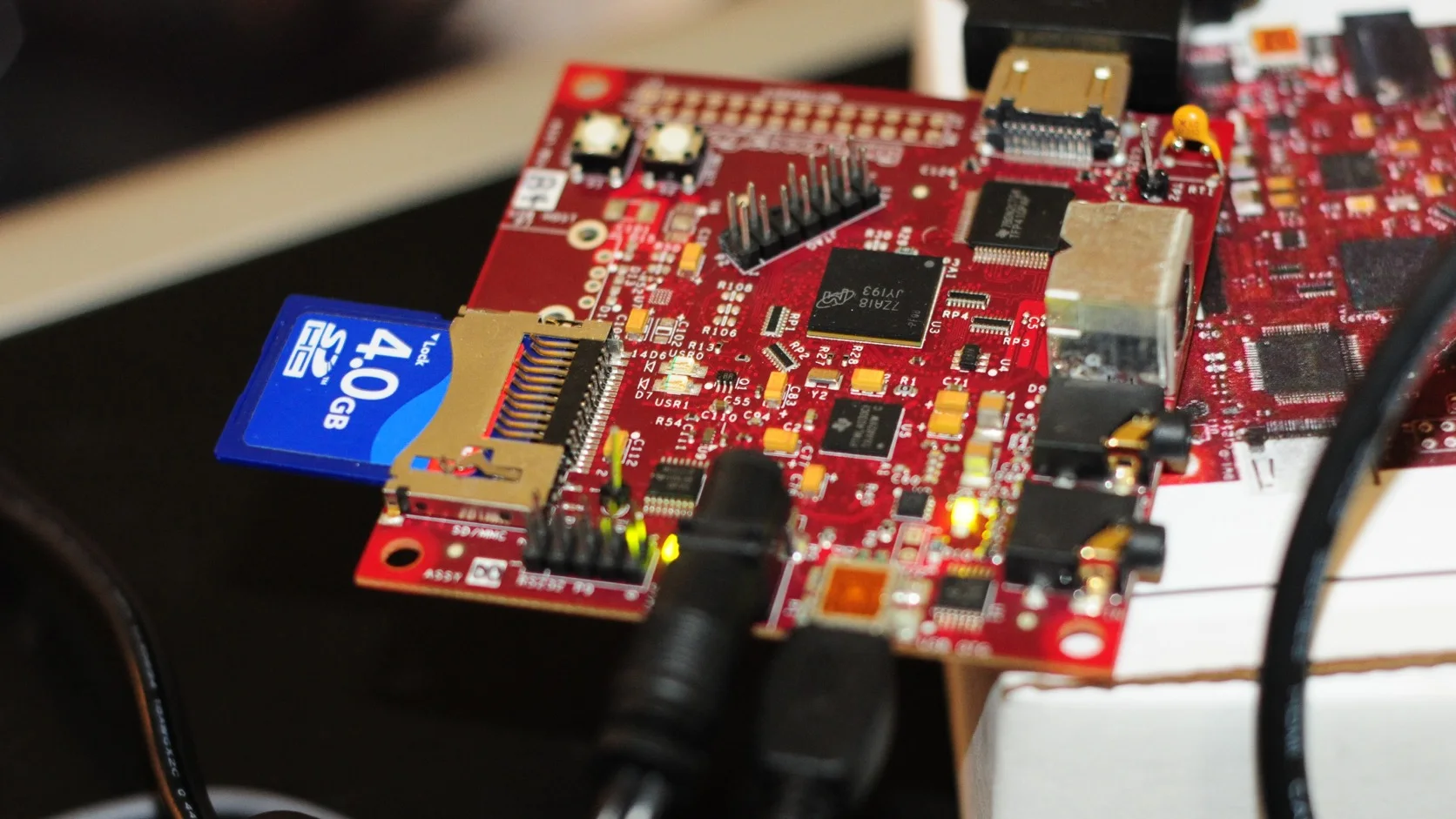
Hero photo: BeagleBoard connected for development by Gopal Vijayaraghavan, licensed under CC BY 2.0. The original photograph was cropped and converted to WebP.
